A Practical System for Choosing Type Across Screens
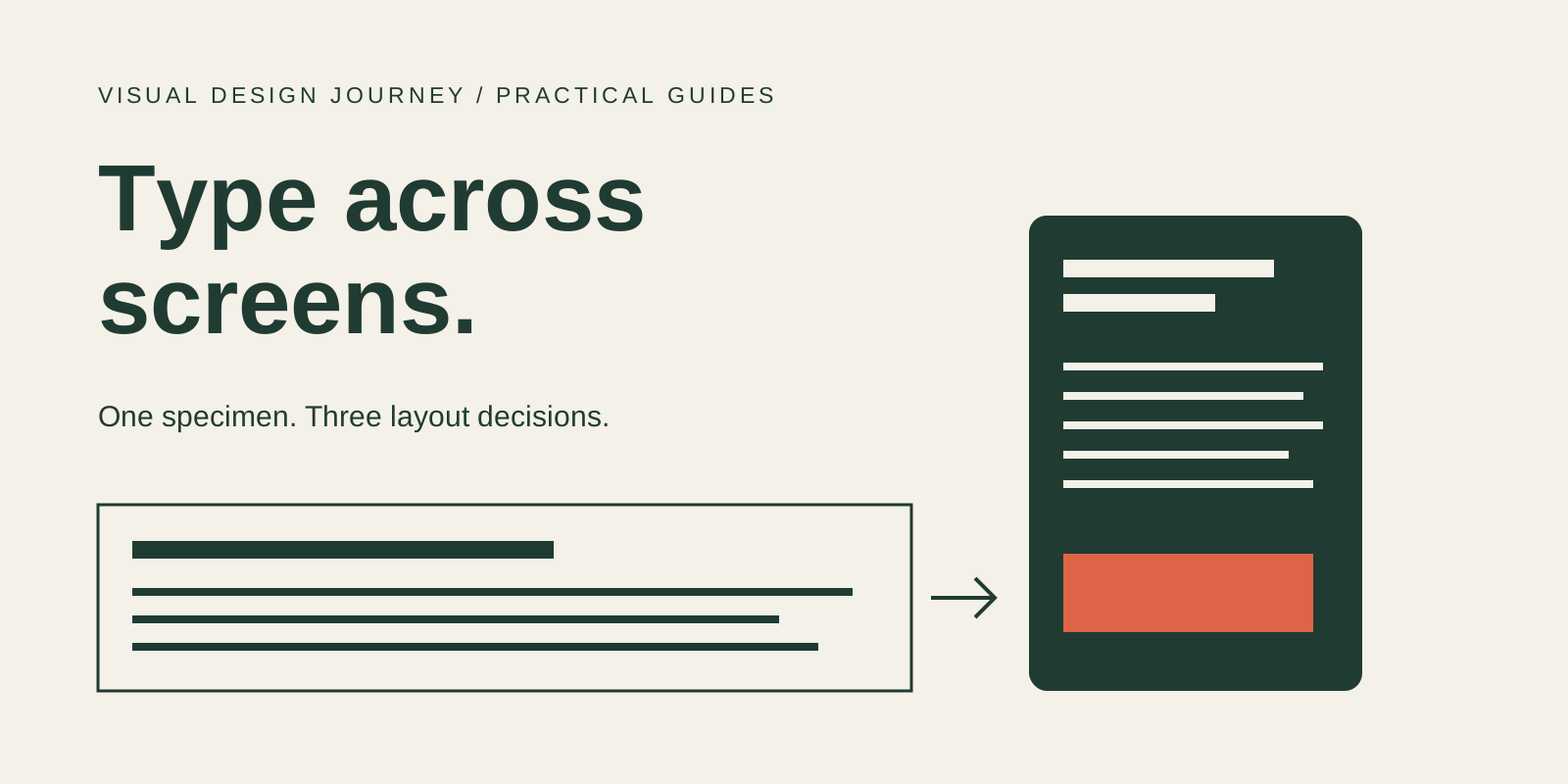
Choose screen type by testing real content in its smallest useful setting, then build the larger layouts around it. A convincing desktop headline is only one part of the decision. Paragraphs, navigation, long labels and fallback fonts need to remain usable when the space changes or the reader enlarges the text.
The most useful deliverable is a small, repeatable specimen. Use the same words and tasks to compare candidates, record the failures, and change one variable at a time. This is a design review method, not a universal ranking of typefaces.
1. Give each style a job
Begin with four roles: headline, body, supporting information and action label. Write down what the reader needs from each one. A headline introduces the subject. Body text carries a sustained argument. A caption explains an image. A button names an action.
Start with one family and establish those roles through size, weight and spacing. Add another family only when it serves a clear editorial purpose. The decision here is different from font pairing: first determine whether the basic system works at all.
Carbon offers a useful example of this approach. Its typography documentation describes coordinated styles and distinguishes productive and expressive contexts. Treat it as a reference for organizing decisions, rather than a scale to copy into every publication. Carbon typography
2. Replace the perfect headline with real material
A specimen needs awkward content. Include a long title, two paragraphs, a caption, a price, a date and the longest plausible navigation label. Use the content that the product will actually carry.
Inspect punctuation, accents and characters that can be confused in your chosen family. A mixed string such as Il1 O0 2026 €50 is a useful prompt for inspection; it is not a complete legibility test. Put these characters into meaningful words and tasks too.
Test German words and punctuation if the publication supports German. For Chinese, inspect actual Chinese text and the font used to render it. A Latin family name in a stylesheet does not establish Chinese glyph coverage. Mixed scripts may need a deliberate fallback strategy and separate editorial review.
3. Compare the same content in three situations
Open the interactive comparisons or download the review checklist.
The accompanying specimen uses Arial with system fallbacks, so no font download is required. Its three pairs are constructed illustrations of layout choices, not results from a user study. Resize the browser and use browser zoom to inspect the differences.
Comparison A: headline scale
The first version uses a fixed, oversized headline in a narrow panel. The second uses a smaller responsive scale and allows wrapping. Both use the same words and family. Notice the space taken by the heading before judging the font itself.
A large title is not automatically a mistake. The question is whether it leaves enough room for the task and whether long words remain available. If the title breaks the layout, test the scale, wrapping and container constraints before replacing the family.
Comparison B: action labels
The second pair gives a long action label a single line in one version and allows it to wrap in the other. The example separates a container failure from a typeface decision. A different font might hide the immediate problem without making the control resilient to translation or larger text.
Use a complete action label in the review. A short word such as “Go” tells you very little about a control that will eventually say “Explore the complete design archive.”
Comparison C: paragraph rhythm
The third pair changes line height and reading width while retaining the words and typeface. Compare the density and the path back to the next line. Neither setting establishes a universally correct measure; start from the second version, then review it with the actual language, device and readers.
4. Test enlargement separately from device width
Dragging a browser window narrower is useful, but it does not replace an enlargement check. W3C’s explanation of WCAG 2.2 SC 1.4.4 addresses text enlargement to 200% without losing content or functionality, with defined exceptions. Resize Text
Also review reflow. SC 1.4.10 describes presentation without loss of information or functionality and without two-dimensional scrolling at the specified dimensions, including 320 CSS pixels for vertically scrolling content, with exceptions for content that requires a two-dimensional layout. This is a separate criterion from the 200% text check. Reflow
Finally, check whether user-adjusted spacing causes clipping or overlap. SC 1.4.12 covers specified text-spacing adjustments; it does not prescribe those values as the site’s default typography. Text Spacing
These checks address specific requirements. Completing this specimen does not establish that an entire website meets WCAG.
5. Review what happens before the font arrives
Inspect the page with its intended web font unavailable. Can the fallback display the required language? Does a navigation item become clipped? Does a headline move the action out of its expected position?
Repeat this review when the font files, styles or language coverage change. Record the font version and the fallback stack alongside the layout decisions. A screenshot without that context is difficult to reproduce later.
Check the actual licence for the intended web use and distribution. A download button or a familiar family name is not a substitute for reviewing the applicable terms.
Keep the decision record small
| Review area | Evidence to keep | If it fails |
|---|---|---|
| Reading roles | One complete page specimen | Adjust hierarchy before adding families |
| Narrow layout | Long title and action label | Review size, wrapping and container constraints |
| Enlargement | 200% text review and separate reflow review | Remove clipping, overlap and missing controls |
| Language coverage | Real EN, DE and Chinese samples as required | Select and test suitable language fallbacks |
| Font availability | Intended font and fallback comparison | Review layout movement and missing glyphs |
| Delivery rights | Applicable licence and source | Resolve permissions before shipping |
The decision should end with a usable specimen and a short explanation of the tradeoffs. “It looks better” is a starting observation. “The long label stays available, the hierarchy survives enlargement, and the required characters render correctly” is a decision another designer can check.
Continue the study
Use the font pairing guide to develop relationships between reading roles, and the accessible colour contrast guide to review text/background combinations.
For source material to practise reading visual decisions, VDJ Originals contains 111 scanned pages and is included with Premium membership. This practical guide remains free.
Sources
- Carbon Design System — Typography
- W3C WAI — Understanding Resize Text, SC 1.4.4
- W3C WAI — Understanding Reflow, SC 1.4.10
- W3C WAI — Understanding Text Spacing, SC 1.4.12
Editorial note: the three comparisons are original instructional specimens. They do not reproduce an archival work or report a reader study.
Comments (0)
- No comments yet. Start the conversation.
Why Helvetica Took Over the World: The Neutrality Paradox of Modernist Typography
Created in 1957 to be invisible, Neue Haas Grotesk became the ubiquitous visual language of corporate and civic life.
Paul Rand and the Idea That Design Is a Way of Thinking
Why the designer behind some of the most durable American logos insisted that form and content are inseparable.
Swiss Design: A Guide to the International Typographic Style
Grids, sans-serif type and objective photography: how designers in Zurich and Basel built a visual language that still shapes layouts today.